Catering
It is possible to order catering directly from Leon. In order to make this work, a few settings must be defined.
EMAIL TEMPLATE
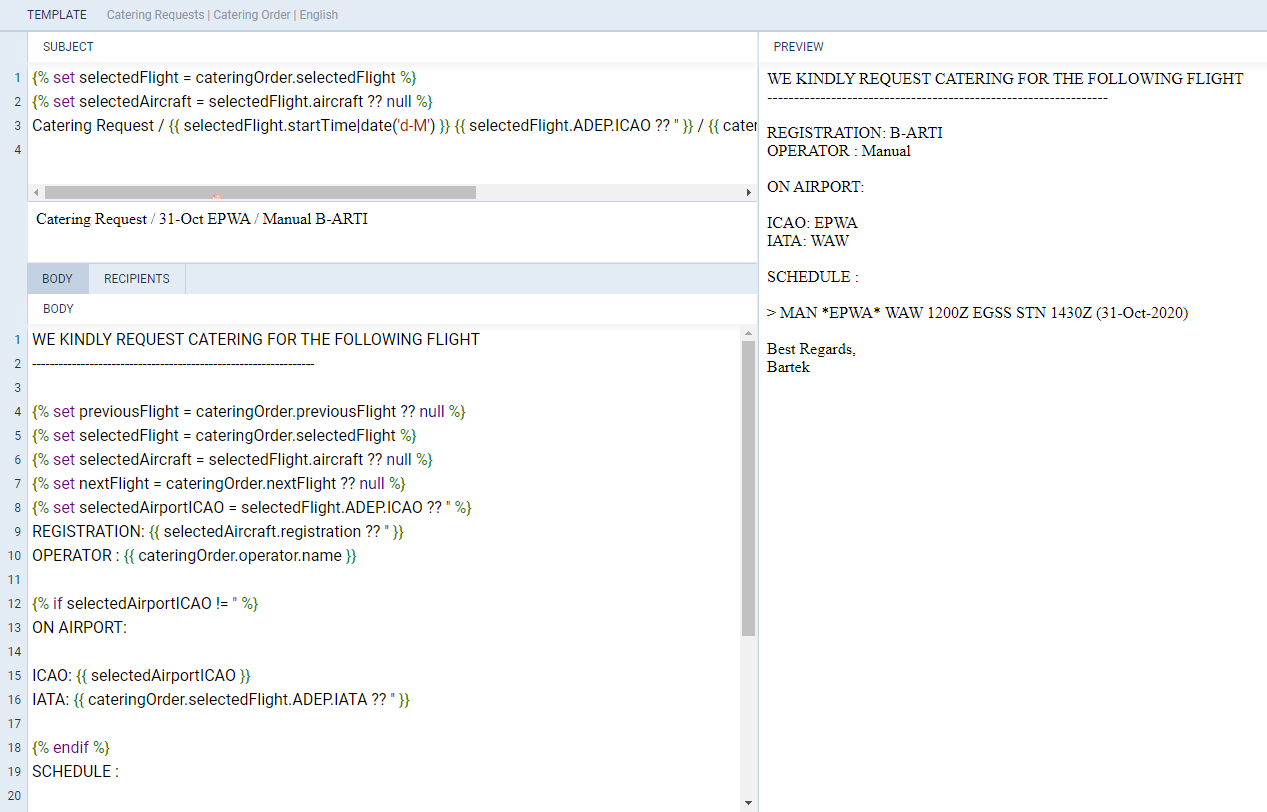
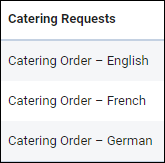
In a section Settings > Email Templates find Catering Requests and click it to set it up. You can change the default one’s name or remove it and add a new one (you can add multiple templates).
Edit a template to define its Subject, Body and default Recipients emails: From, Reply to, CC & BCC. Use Available data items to re-arrange the email template.
ORDERING CATERING
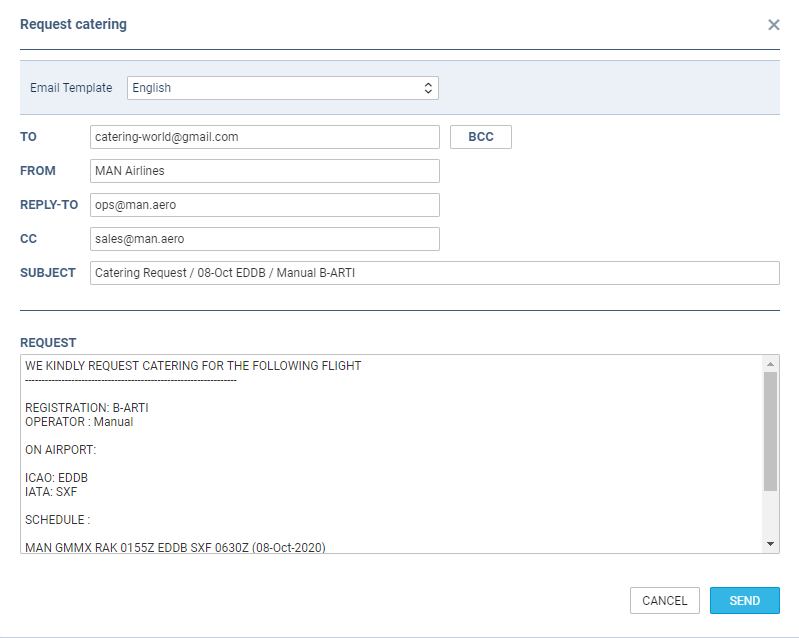
Once catering email templates have been defined, open OPS checklist item ‘Catering’, click a button 

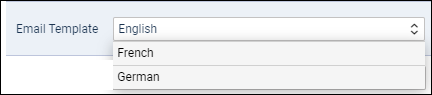
A drop-down ‘Email templates’ will show all previously defined templates. Insert an email address into a field TO to which the catering order should be sent out and click SAVE.