

NEW FEATURES AVAILABLE
Table of Contents
FTL VIOLATIONS
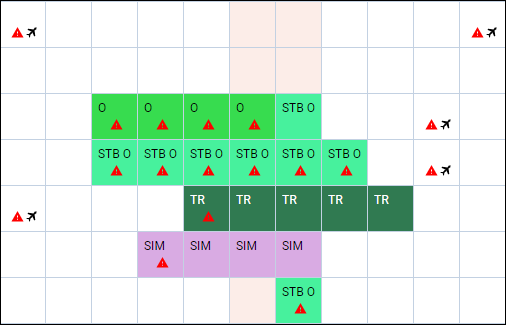
Leon will show a warning icon for any FTL Violation (not only Days Off violation). The warning will get displayed with the icon 
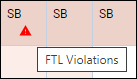
When hovering the mouse over the FTL violation icon, Leon will show a little tooltip with the information
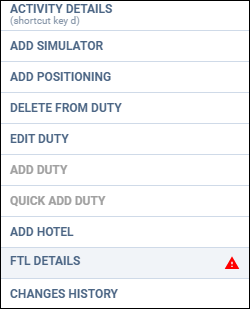
Right-click with the mouse and on the list of options there will be FTL violations icon as well (next to FTL DETAILS section), to highlight the warning.
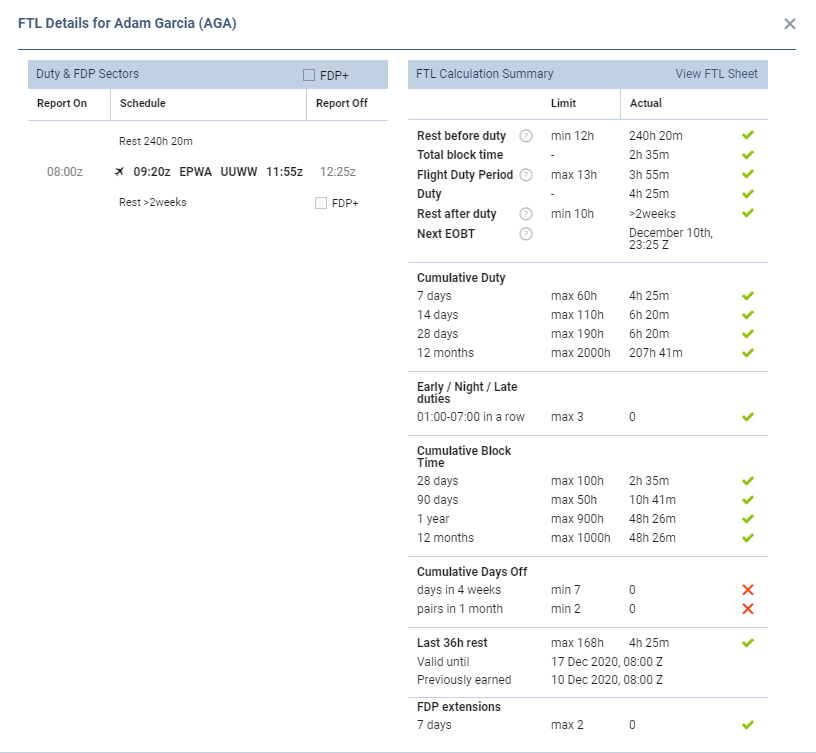
After clicking FTL DETAILS, Leon will show details of the most important FTL regulations monitored by the application.
DOTS IN DRAFTS
We have added an option of showing dots in drafts (showing the information about the state of crew currency & endorsements). Once the drafts are switched to ‘ON’ 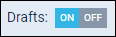
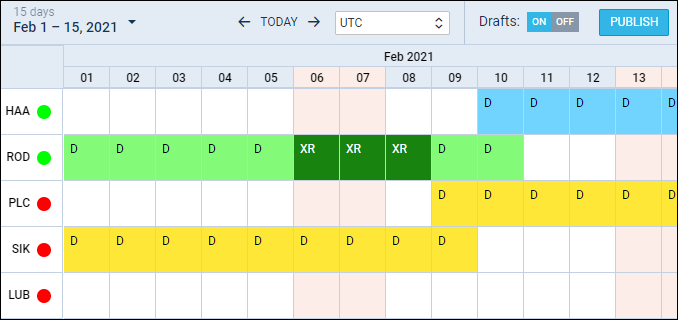
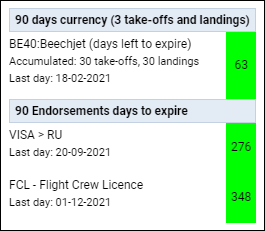
Hover the mouse over the dot to view details.
OPTIONS
Leon will now show in Crew Calendar flights with the status Option. It is possible to turn it on in 3-dot filter.
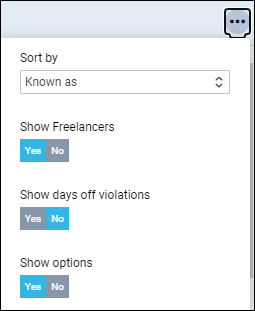
Displaying options in the Crew Calendar will not be any different to confirmed flights, but if you right-click with the mouse and select ‘Activity details’, Leon will show an indication, that the flight has a status ‘Option’.
