

Aircraft Maintenance scope
This scope shows the most important data added to Leon when scheduling an Aircraft Maintenance, in a section ‘MX > Scheduled Maintenance’.
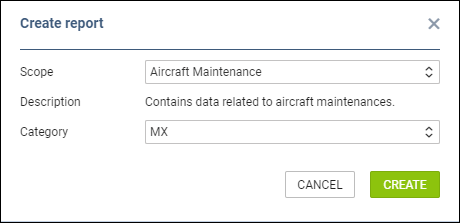
To add it, enter the main ‘Report Wizard’ page, click 
Leon will show a few default columns: MX name, status, aircraft reg number, airport where MX will take place, MX start & end date and time.
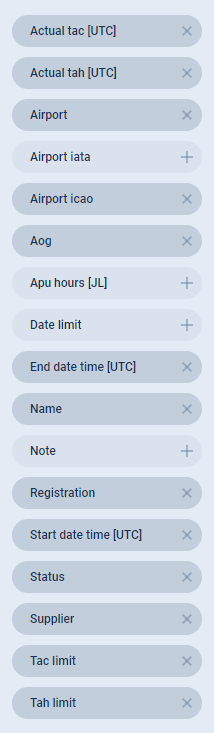
You can add more columns to the mentioned ones by using the left filter. All available columns displayed on the screenshot on the right-hand side.
It is possible to filter the report by: Aircraft reg number, Airport, AOG (yes/no) and Status of Maintenance (open/completed) - click the icon
